 lululog
Capture your first moment
Open the camera
Tap the camera button on the home screen. On your first capture, use the system prompts to allow camera and microphone access.
Make a Log
Record a short video, or choose a supported photo or Live Photo mode. The default video length is two seconds.
Post to a channel
Choose a channel, add an optional caption and post. Your Log appears in that channel’s timeline. A fresh installation includes a default channel, which you can rename later.
Timelines and channels
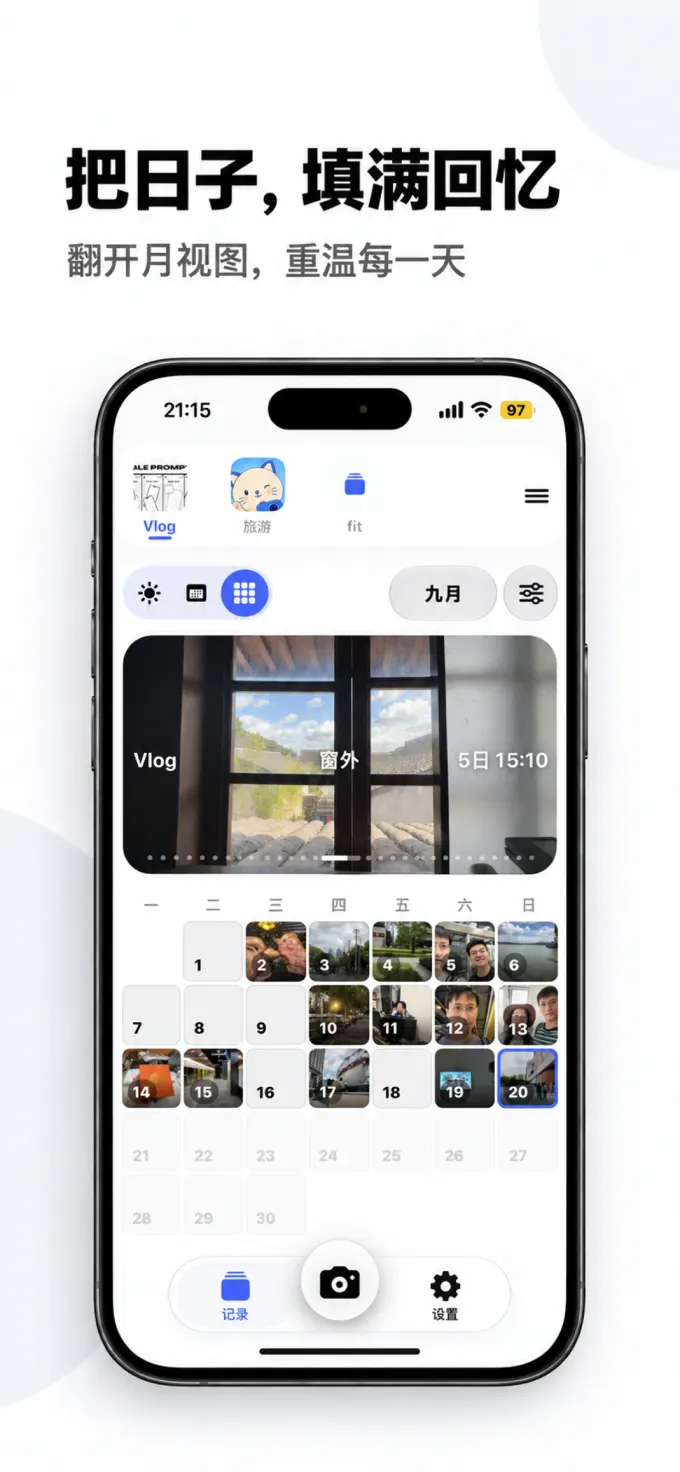
Logs are organized by capture time. Browse today or another date, and switch between day, week and month views. The view does not change your recorded content.
Use channels for everyday life, travel, pets or other themes. Each has its own timeline; you can switch, rename and reorder channels.
Watch and export
Open a Log to watch it, browse neighboring records or change the date. To make a video, open channel export, choose the time range and Logs, generate your video and save it to your photo library.
You choose whether to share the result. Exporting does not automatically upload your timeline to our website.
Add an earlier moment
Where historical import is supported, choose photos, videos or Live Photos from the system picker. Trim a video or Live Photo by dragging the ends of its clip; drag the middle to move the selected segment.
Confirm its content and date before posting it to your chosen channel. Supported media types depend on your platform.
Reminders and privacy
Enable reminders in Settings if you want them, and set quiet hours as needed. Capture and playback still work without reminders.
Your photos, videos and channels are stored locally by default. Check your backups before changing devices or uninstalling. Account membership and local Logs are separate.